


 【飛凌OKA40i-C開發板試用體驗】+ 搭建開發環境并編譯內核

本文來源電子發燒友社區,作者:TLLED, 帖子地址:https://bbs.elecfans.com/jishu_2303430_1_1.html
按照教程來搭建開發編譯環境,使用ubuntu 18.04 64位虛擬機。
1、安裝工具包
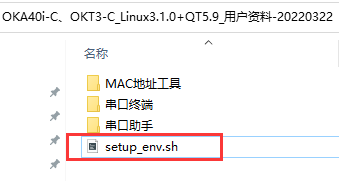
1.1、將setup_env.sh復制到ubuntu系統目錄下
1.2、查看下setup_env.sh內容
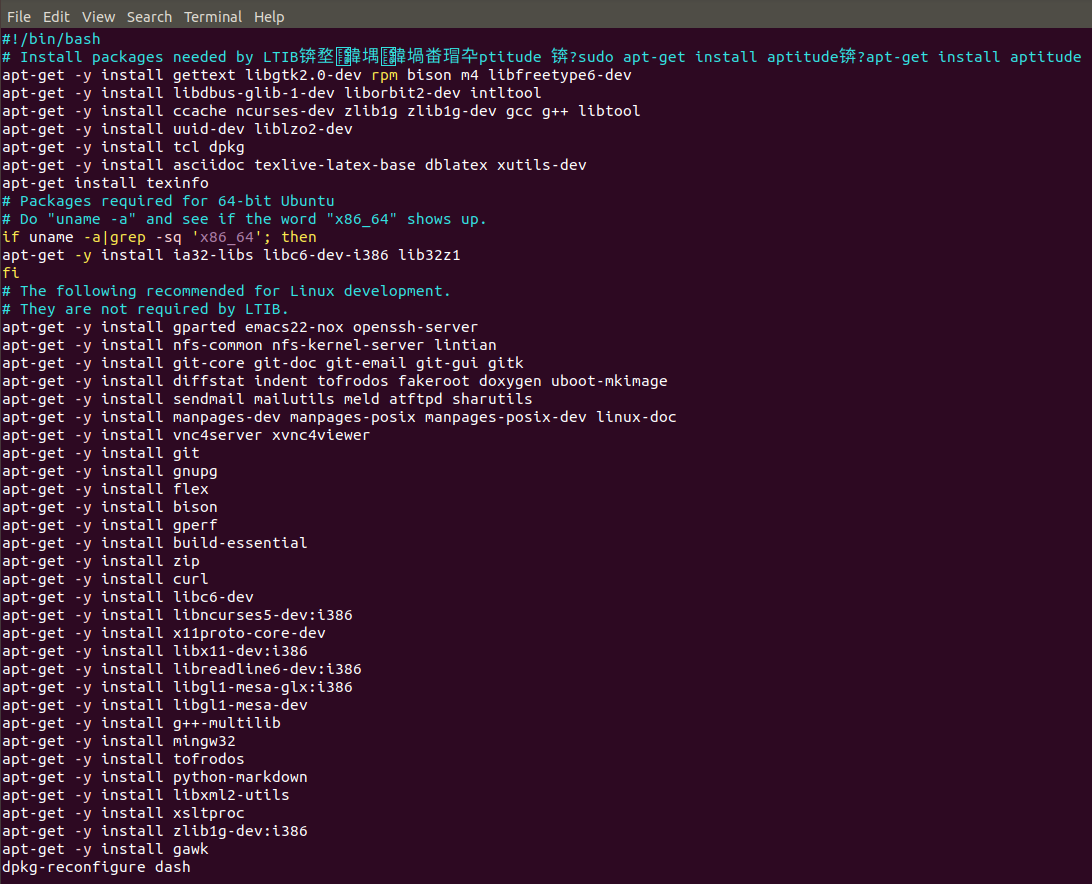
1.3、運行命令
root@ubuntu:/home/a40i# chmod +x setup_env.sh
root@ubuntu:/home/a40i# ./setup_env.sh
等待安裝完成
1.4、升級gcc
更改之前GCC版本
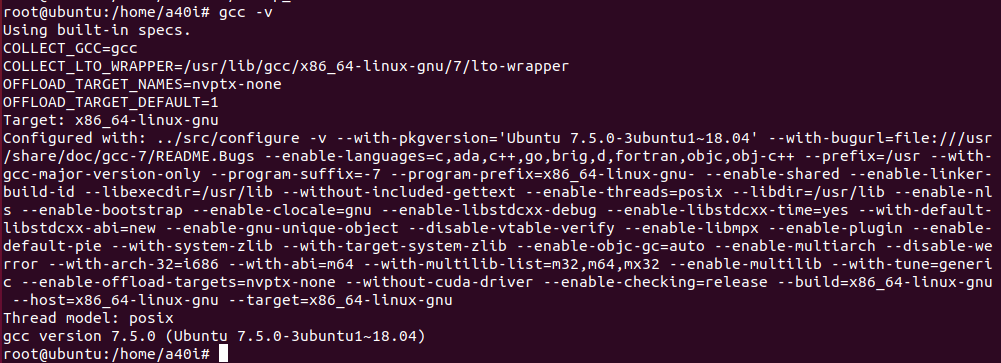
執行命令
安裝依賴包
root@ubuntu:/home/a40i# sudo apt-get install libgmp-dev
root@ubuntu:/home/a40i# sudo apt-get install libmpfr4 libmpfr-dev
root@ubuntu:/home/a40i# sudo apt-get install libmpc-dev libmpc2
root@ubuntu:/home/a40i# sudo apt-get install libtool
root@ubuntu:/home/a40i# sudo apt-get install bison
root@ubuntu:/home/a40i# sudo apt-get install flex
安裝gcc4.8.1
root@ubuntu:/home/a40i# sudo add-apt-repository ppa:ubuntu-toolchain-r/test
root@ubuntu:/home/a40i# sudo apt-get update
root@ubuntu:/home/a40i# sudo apt-get install gcc-4.8
root@ubuntu:/home/a40i# sudo apt-get install g++-4.8
root@ubuntu:/home/a40i# sudo apt-get install gcc-4.8-multilib
root@ubuntu:/home/a40i# sudo apt-get install g++-4.8-multilib
root@ubuntu:/home/a40i# sudo apt-get install gcc-4.8-doc
root@ubuntu:/home/a40i# sudo update-alternatives --install /usr/bin/gcc gcc /usr/bin/gcc-4.8 20
root@ubuntu:/home/a40i# sudo update-alternatives --install /usr/bin/g++ g++ /usr/bin/g++-4.8 20
root@ubuntu:/home/a40i# sudo update-alternatives --config gcc
root@ubuntu:/home/a40i# sudo update-alternatives --config g++
root@ubuntu:/home/a40i# sudo apt-get update
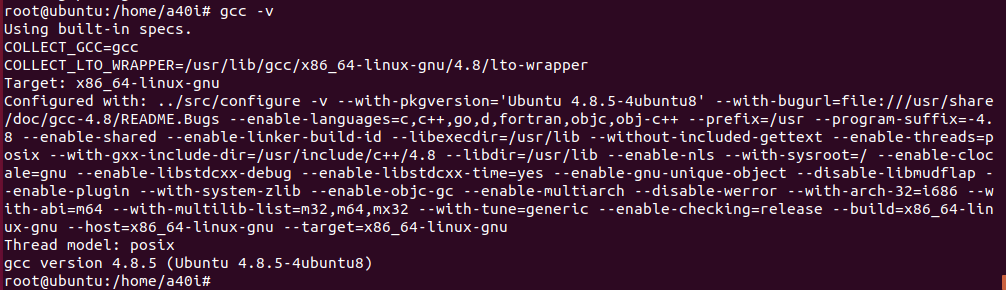
更改之后GCC版本
1.5、將busybox.tar.gz文件復制到ubuntu下
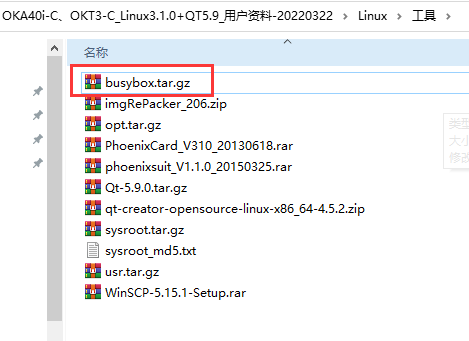
解壓文件
root@ubuntu:/home/a40i# tar xvf busybox.tar.gz -C /usr/bin/

二、編譯內核
2.1、復制文件
將內核源碼復制到ubuntu
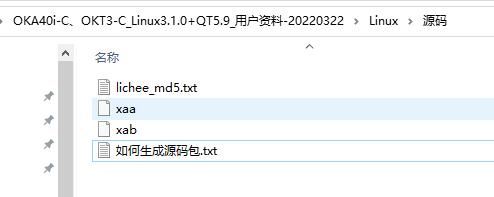
執行命令
root@ubuntu:/home/a40i# cp /mnt/hgfs/share/a40i/xa* /home/a40i/
2.2、解壓文件
執行命令
root@ubuntu:/home/a40i# cat xa* > lichee.tar.gz
root@ubuntu:/home/a40i# tar xvf lichee.tar.gz
解壓后的文件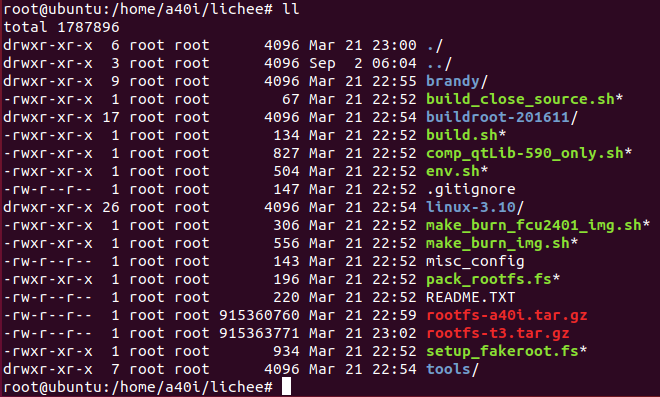
解壓文件系統
root@ubuntu:/home/a40i/lichee# tar xvf rootfs-a40i.tar.gz
2.3、配置編譯選項
執行命令:hui@ubuntu:/home/a40i/lichee$ sudo ./build.sh config
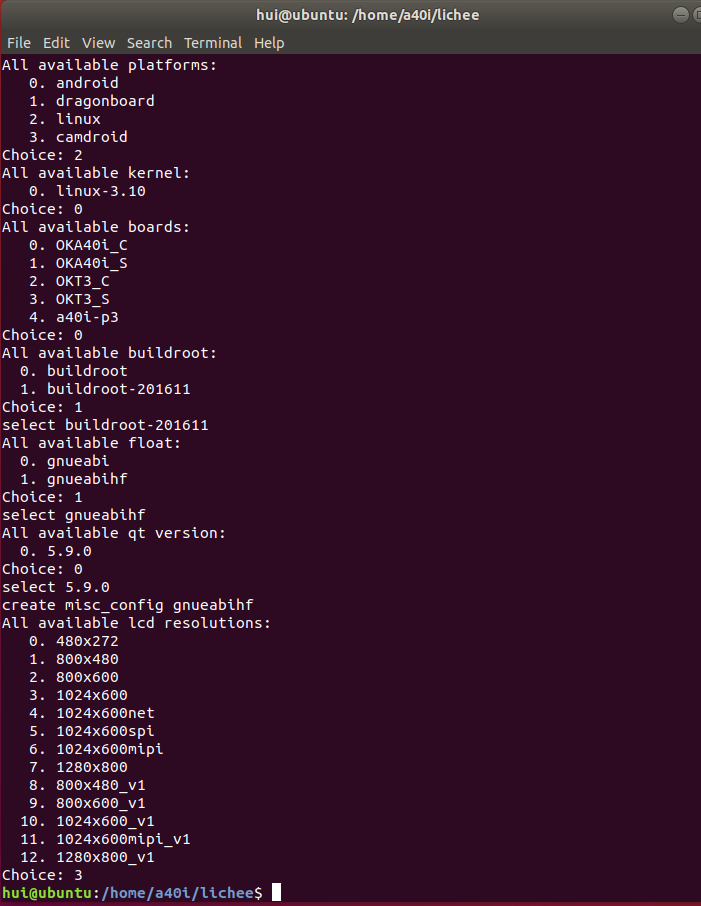
2.4、編譯內核
命令:hui@ubuntu:/home/a40i/lichee$ sudo ./build.sh -m kernel
編譯過程中提示報錯
執行命令:hui@ubuntu:/home/a40i/lichee$ sudo apt-get install u-boot-tools
繼續編譯,編譯內核成功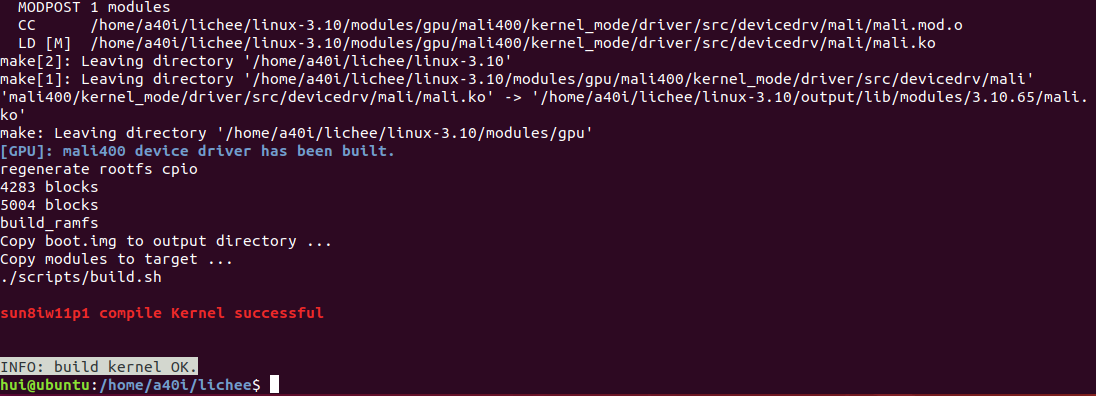
2.5、文件系統打包
對壓縮的文件系統進行打包處理
hui@ubuntu:/home/a40i/lichee$ sudo ./build.sh -m pack_rootfs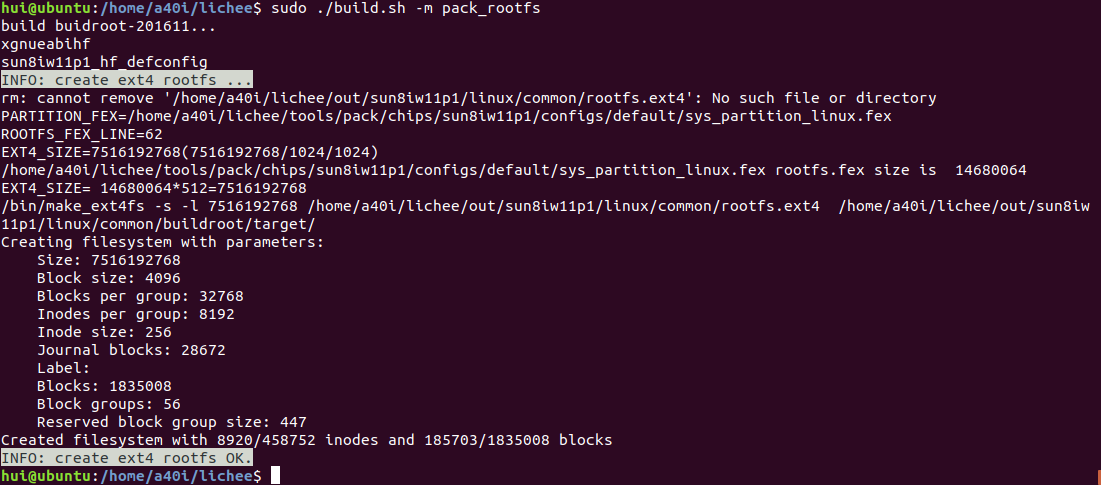
2.6、鏡像打包
對上面編譯的完成的文件進行鏡像打包,生成鏡像文件
hui@ubuntu:/home/a40i/lichee$ sudo ./build.sh pack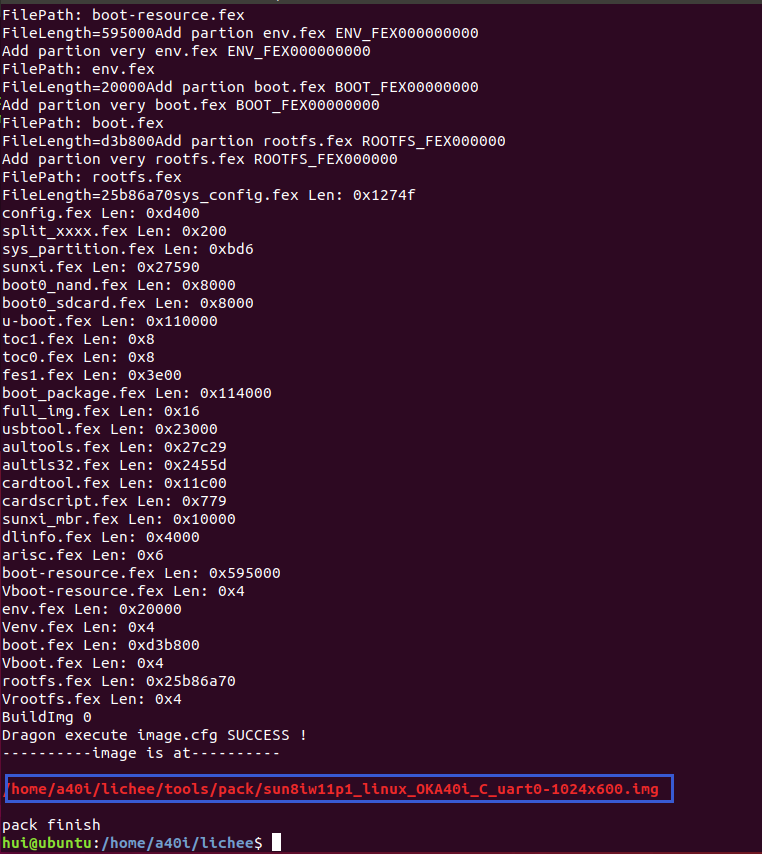
-
飛凌
+關注
關注
0文章
135瀏覽量
16899
發布評論請先 登錄
【飛凌嵌入式RV1126B開發板】+兩款開發板之比較
【正點原子STM32N647開發板試用】--開箱與開發環境搭建
【瑞薩RA6E2地奇星開發板試用】介紹、環境搭建、工程測試
【六岳微LY-F335開發板試用體驗】基本接口/功能/開發環境及開發體驗

【飛凌T527N開發板試用】7寸RGB屏幕適配與TP驅動
如何在RK3576開發板上板端編譯OpenCV并搭建應用
RK3568開發板暗藏32位兼容開關?飛凌嵌入式帶你一鍵解鎖!

【飛凌T527N開發板試用】開箱與開發板介紹視頻
【Banana Pi BPI-RV2開發板試用體驗】開發環境搭建
迅為RK3576開發板NPUrknn-toolkit2環境搭建和使用docker環境安裝
5分鐘學會網絡服務搭建!飛凌i.MX9352開發板 + Linux 6.1實戰示例

【米爾-全志T536開發板試用體驗】- 開發環境搭建與測試
5分鐘學會網絡服務搭建,飛凌i.MX9352 + Linux 6.1實戰示例



 工商網監
工商網監
評論